Coriolis User Scripts
User Scripts allow users to hook into Coriolis’ OS Morphing process and execute any needed last-minute customizations for the instance(s) being Migrated before being booted up on the destination cloud platform.
The feature is available in the following scenarios:
Creating a Replica Deployment from a current Replica
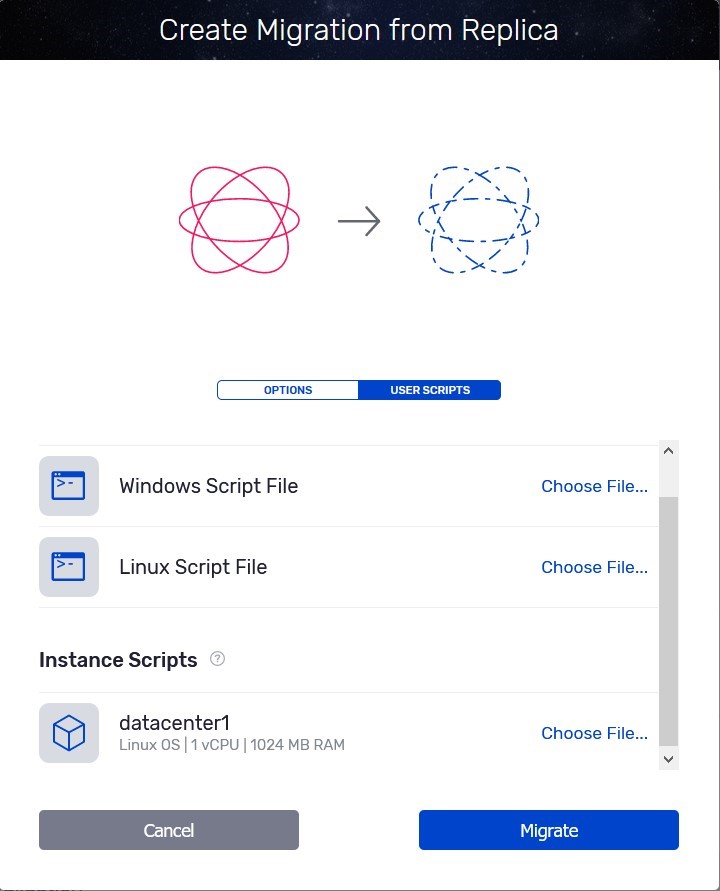
Creating a Migration
User Scrips will be one of the steps prior to starting a Migration task
The step is available after target configurations
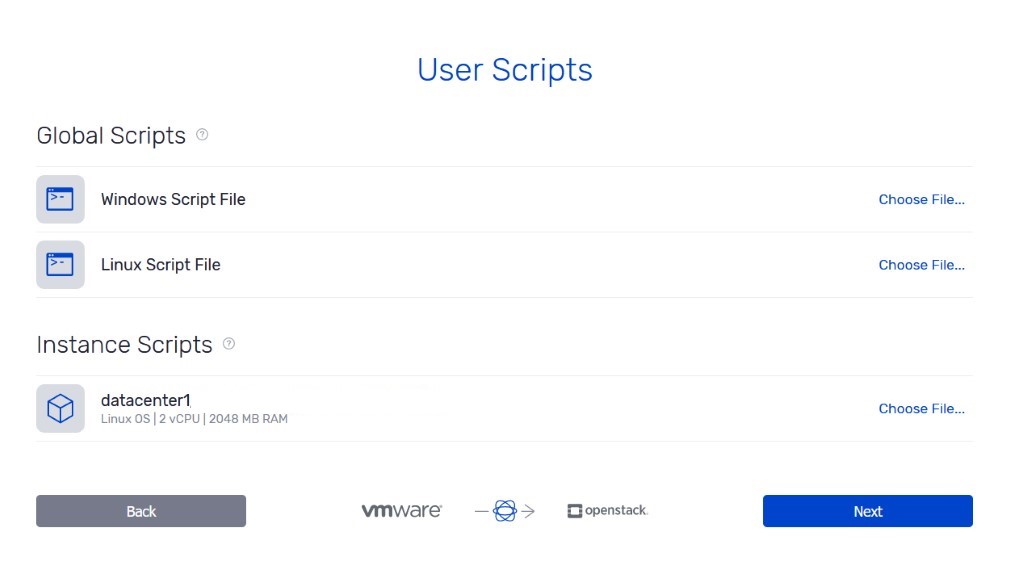
In both cases, you can choose to have one generic, global script per operating system type (Linux, Windows, etc.) or a custom script for a specific instance.
Supported User Scripts file formats:
for Linux VMs, any scripting language available on a standard Linux (bash, python, etc.)
for Windows VMs, PowerShell and batch scripts are supported.
User Scripts can be leveraged in the following sample scenarios:
Install/Remove packages on the instance, that take place on the destination platform (not on the source VM) prior to the Migration process
Make additional configuration changes
Download files on the instance
Install 3rd party drivers
User scripts will run with elevated privileges, so they will have the same access rights as Coriolis itself.
Example of a PowerShell User Script for a Windows VM, this lists all 3rd party drivers from the migrated OS disk of the instance:
$OS=$args[0]
dism.exe /Image:$OS /Get-Drivers
This is a Linux User Script snippet that will download a file to the /var folder on the migrated instance disk:
#!/bin/bash
#$1 represents the root disk path
root_disk="$1"
wget https://url -O "$root_disk/var"